
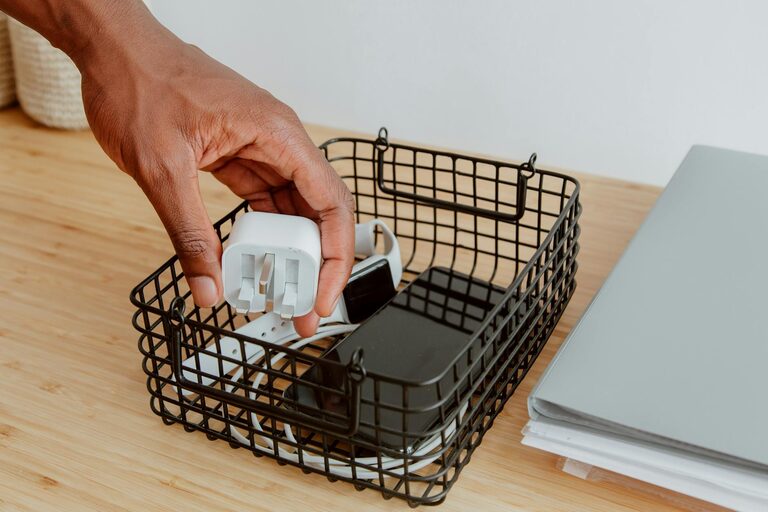
Keeping cables and chargers neatly organized can transform your space from cluttered chaos to clean and efficient. Whether at home or in the office, tangled cords not only look messy but can also cause frustration when you need to find the right cable quickly. Fortunately, organizing cables doesn’t require expensive tools or much time. With some simple strategies and a bit of consistency, you can keep all your chargers and cords neat and accessible.
Why Organizing Cables Matters
Before diving into solutions, it helps to understand why it’s worth organizing your cables:
– Save Time: No more untangling or searching for the right charger when your device is low on battery.
– Protect Equipment: Proper storage prevents damage to cables, extending their lifespan.
– Improve Safety: Reduces tripping hazards and avoids overheating from tangled cables.
– Enhance Aesthetics: Creates a cleaner, more inviting workspace or living area.
Assess Your Cable Inventory
Start by gathering all cables and chargers from your home or office. Sort them into categories such as:
– Phone chargers
– Laptop and tablet cables
– USB and HDMI cords
– Audio cables and headphones
– Extension cords and power strips
Once sorted, test any cables you haven’t used for a while to make sure they still work. Dispose of or recycle damaged or obsolete cords properly.
Essential Tools for Cable Organization
Investing in a few organizational tools can make this process simple and effective:
– Cable ties and Velcro straps: Great for bundling cords without damaging them.
– Cable clips and holders: Perfect for keeping cables attached to desks or walls.
– Cable boxes or organizers: Conceal power strips and excess cable length.
– Drawer dividers or small containers: Helpful for storing chargers and adapters.
– Labels or masking tape: Useful for identifying cables quickly.
Step-by-Step Guide to Organizing Your Cables
1. Untangle and Detangle
Start with untangling every cable. Work slowly and avoid pulling too hard to prevent damage. Lay each cable flat and smooth them out as you go.
2. Wrap Cables Properly
Instead of loosely coiling cables, use a technique like the over-under wrap which prevents twists and kinks. Alternatively, gently loop cables in a circular shape about 6–8 inches in diameter and secure them with a cable tie or Velcro strap.
3. Label Your Cables
Attach labels near the connector ends to indicate what each cable belongs to – for example, “Phone Charger,” “Printer USB,” or “TV HDMI.” You can use pre-made labels or handwriting on masking tape.
4. Designate a Storage Space
Create a dedicated spot for your cables where they can stay neat:
– Cable box: Stores power strips and hides excess cords.
– Drawer organizer: Use dividers or boxes to separate chargers and cables.
– Hanging organizers: Cloth pockets or multi-compartment organizers can be hung on the back of doors.
– Mounted cable clips: Stick these to desks or walls to keep cables accessible but tidy.
5. Use Cable Management Accessories
Attach cable clips under your desk to hold charging cords in place while in use. Use spiral wraps or tubing to bundle multiple cords running together. If your workspace includes a lot of electronic devices, consider a cable tray mounted under the desk to keep everything out of sight.
6. Keep Frequently Used Cables Accessible
Store everyday cables in easy-to-reach spots, like a small box on your desk or near charging stations. Less-used cables can be stored in labeled containers or drawers.
7. Regularly Maintain Your System
Every few months, revisit your cable organization setup. Clear out obsolete or unused cables and make sure your system still fits your needs. Adjust storage as you acquire new devices or cables.
Additional Tips for Cable Organization
– Charge in one spot: Having a dedicated charging station limits cable spread around your home.
– Wireless alternatives: Where possible, use wireless charging pads or Bluetooth devices to reduce cable clutter.
– Color code cables: Wrap colored tape near connectors to differentiate similar cables quickly.
– Use old items: Toilet paper rolls or bread clips can be repurposed to keep cables separate and untangled.
– Avoid tight knots: Tight knots damage cables and reduce their lifespan, so always use loose loops for storage.
Conclusion
Organizing cables and chargers neatly is a simple way to improve your workspace and home environment. With a bit of time and inexpensive accessories, you can say goodbye to tangled cords and hello to a clean, efficient setup. The key is sorting, wrapping properly, designating storage areas, and keeping up with regular maintenance. Try these tips today and enjoy a clutter-free, stress-free space!